
Marketplace Companion
Control Fingerprint from your phone, from anywhere.
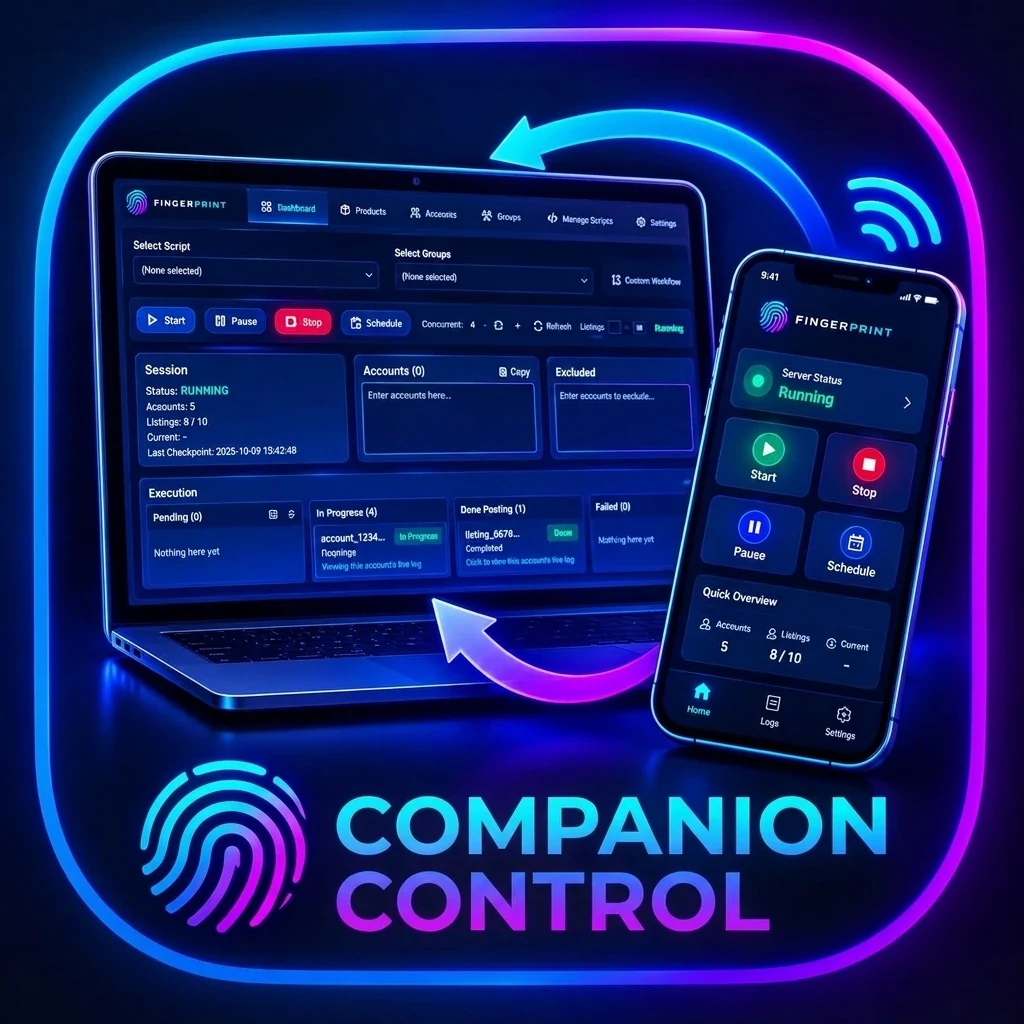
Marketplace Companion is your Android app for controlling the Fingerprint desktop app from your phone, from anywhere. Start, pause and stop your runs, follow the live board, and wake your PC when you need it, all without being at your desk.
- Updated Oct 23, 2026
- v1.0
- Questions? Chat on WhatsApp
Key features
Run the Dashboard remotely
Pick a script, groups or a Custom Workflow, products, browser count, listings and excluded accounts, then Start, Pause, Continue or Stop. Follow the live board (Pending, Running, Done, Failed), the session and your PC's log.
PC power control
Close the Fingerprint app or put your PC to sleep. Set a wake-up time, or choose “wake in N minutes”, and the PC wakes up by itself and opens Fingerprint.
Wake-up notifications
Your phone buzzes with “Your PC has successfully woken up” whenever your PC wakes.
Several PCs
Each PC appears in the Remote tab under its own name, with a green or red status dot.
How it works
- 1
Create a PC Key
In the phone app, open Settings → PC Key and create your key.
- 2
Add it to each PC
On every PC, open Fingerprint, go to Settings → Apps → Phone Connection, paste the key and set a 4-digit PIN.
- 3
Connect and control
Your PC and your phone both connect to our server, Marketplace Cloud, over HTTPS. The PC sends its status there, and the phone sends commands, which the PC carries out.
Built to be safe
- Start, Close app and Sleep need your PIN.
- Your PC refuses commands while a dialog or the Settings page is open on it.
- The phone can never see or change passwords, cookies or accounts.
Technical specifications
| Version | 1.0 |
|---|---|
| File size | 23.7 MB |
| Platforms | Android |
| Compatibility | Android 7.0 or newer |
| Last updated | |
| SHA-256 | ffa2bd052ddb4d1be4253d833c6a6ebba66f1fc8e0593d66314f324c5b6ea5c0 |